by Joéllie Sprumont | Oct 19, 2024
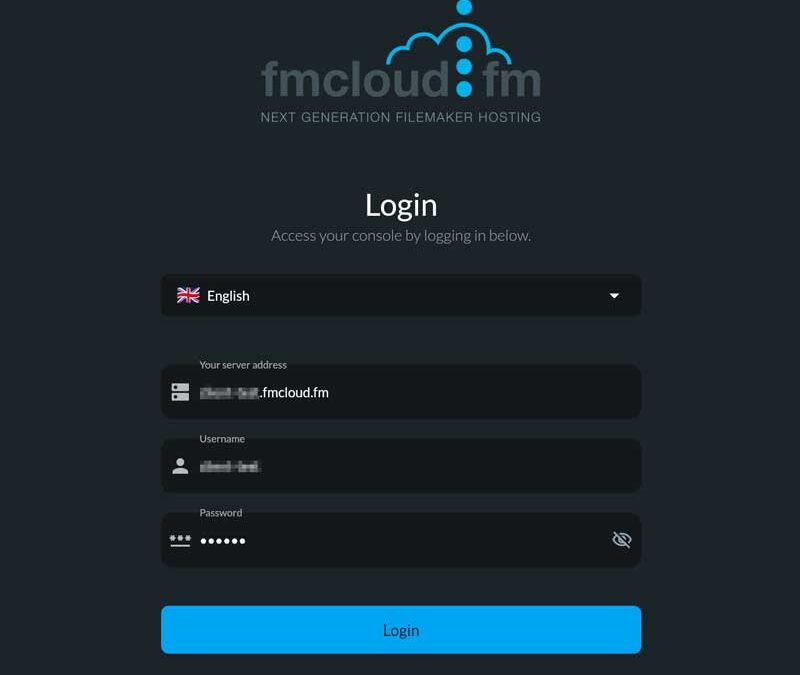
The fmcloud.fm Admin Console is an online application that allows you to control your fmcloud.fm server if you have Starter or Pro plan It’s an alternative to the Claris native console. It doesn’t do everything but it does things that the native console...

by Romain Dunand | Oct 22, 2021 | Help
If your plan allows it, the easiest way is to use your fmcloud.fm Admin Console. Else, you can do it from the native FileMaker Server Admin Console: open the admin console at https://<your-subdomain>.fmcloud.fm/admin-console authenticate using your FileMaker...
by Romain Dunand | Oct 21, 2021 | Help
Q: Although the database files are accessible and I can connect to them from FileMaker Pro, I can’t see them in the admin console. A: In most cases, this is because you’re using Firefox. Please use a supported browser (Chrome, Edge, Safari). If the problem...
by Joéllie Sprumont | Aug 28, 2026 | Claris Technologies
The FileMaker Server Admin API is a REST API that allows developers and administrators to manage a FileMaker Server deployment programmatically. In practical terms, it makes it possible to perform many of the operations available in the FileMaker Server Admin Console...
by Joéllie Sprumont | Sep 2, 2026 | Help
An fmcloud.fm server involves several accounts, usernames and passwords. Each credential protects a different service. The password used to administer FileMaker Server is not the same as the password used to open a database. The support portal and the fmcloud.fm...


